Get Started With CloudSignals+RiskOps
Connect a provider, launch a scan, review the first findings, and move high-priority work into RiskOps.
- Sign in to AiVRIC Cloud and open CloudSignals+RiskOps.
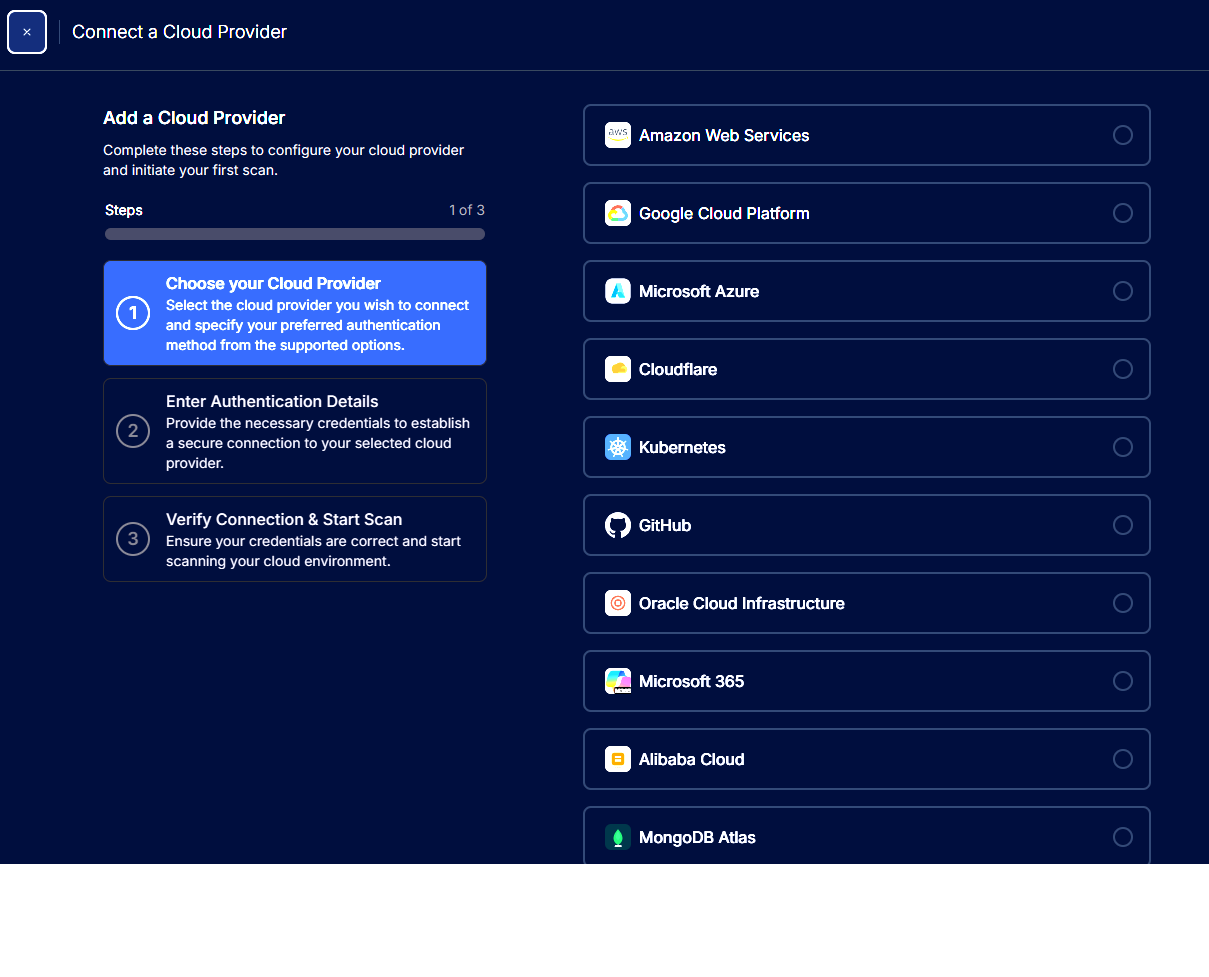
- Go to cloud providers and add the account, project, subscription, cluster, tenant, or repository you want to monitor.
- Enter credentials using the provider-specific guide and test the connection before launching the scan.
- Open Scans to watch progress, then open Findings to review failed checks and affected resources.
- Assign owners and treatment decisions for material findings so the risk record is auditable.