CloudSignals+RiskOps
Operate cloud posture management, compliance, remediation, and risk treatment from one AiVRIC Cloud workflow.
What Operators Use It For
- Connect cloud, SaaS, Kubernetes, repository, and infrastructure-as-code providers.
- Run scheduled and on-demand posture scans with auditable output.
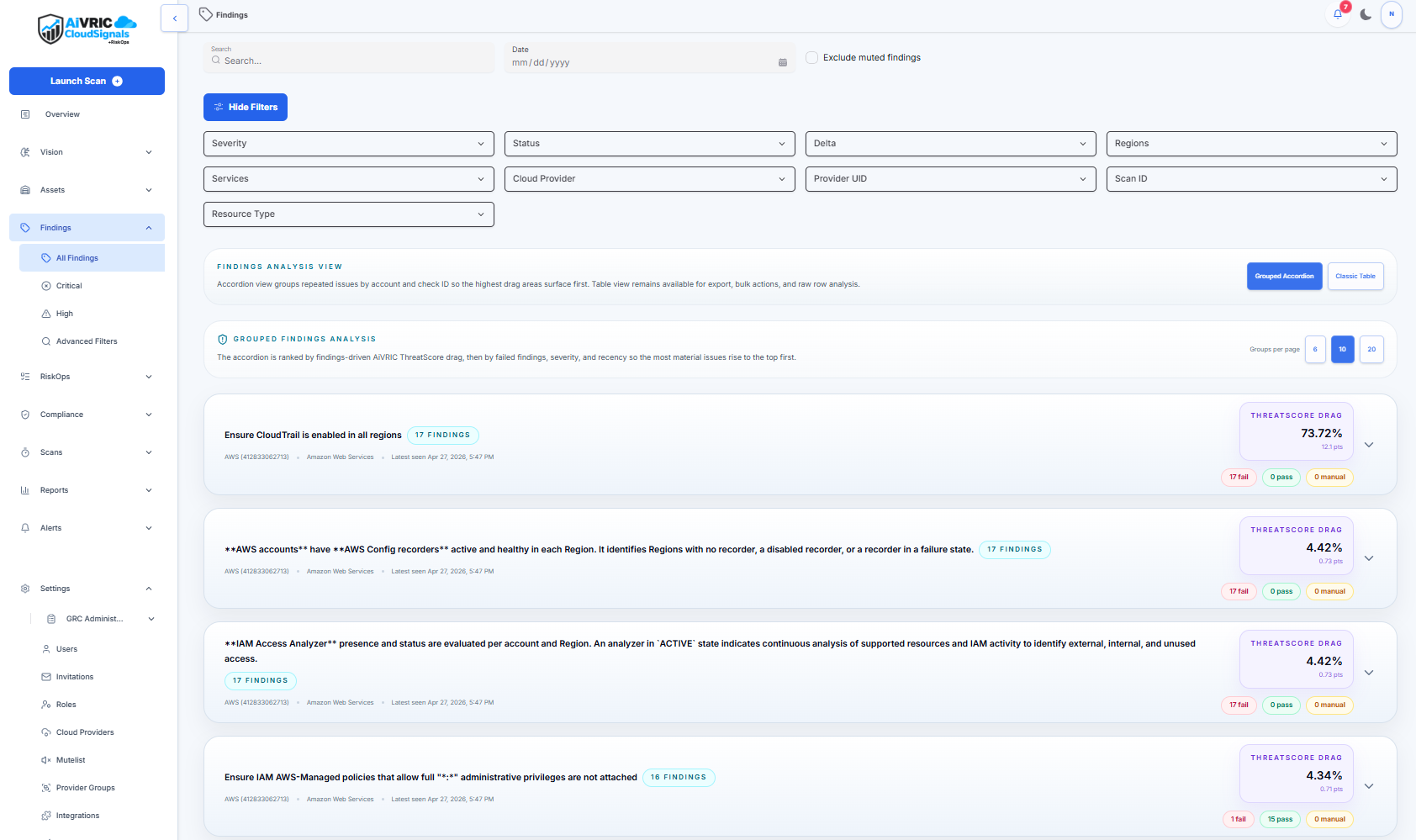
- Review failed checks as findings with severity, resource, provider, and remediation context.
- Use RiskOps fields to assign ownership, choose treatment, track acceptance, and document compensating controls.
- Send work to integrations such as Jira, S3 exports, and AWS Security Hub where configured.
Recommended Reading Path
- Open Get Started to understand sign-in, provider connection, and the first scan.
- Use Providers to configure each cloud or service account with least-privilege credentials.
- Use RiskOps to assign owners, treatment decisions, acceptance windows, and audit evidence.
- Use Integrations and Automation to connect CloudSignals to delivery, reporting, and CI/CD workflows.
- Use Reference when a finding links directly to a check or remediation page.